Image Edit
Edit photos by just describing the change.
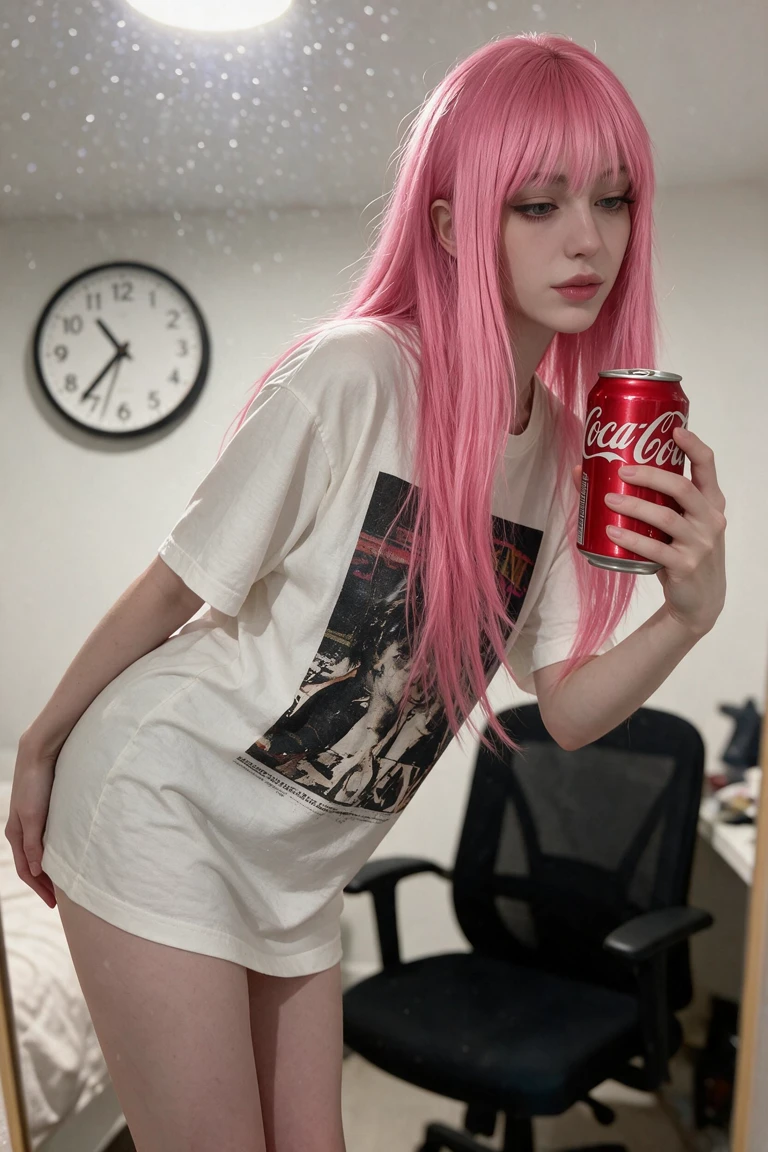
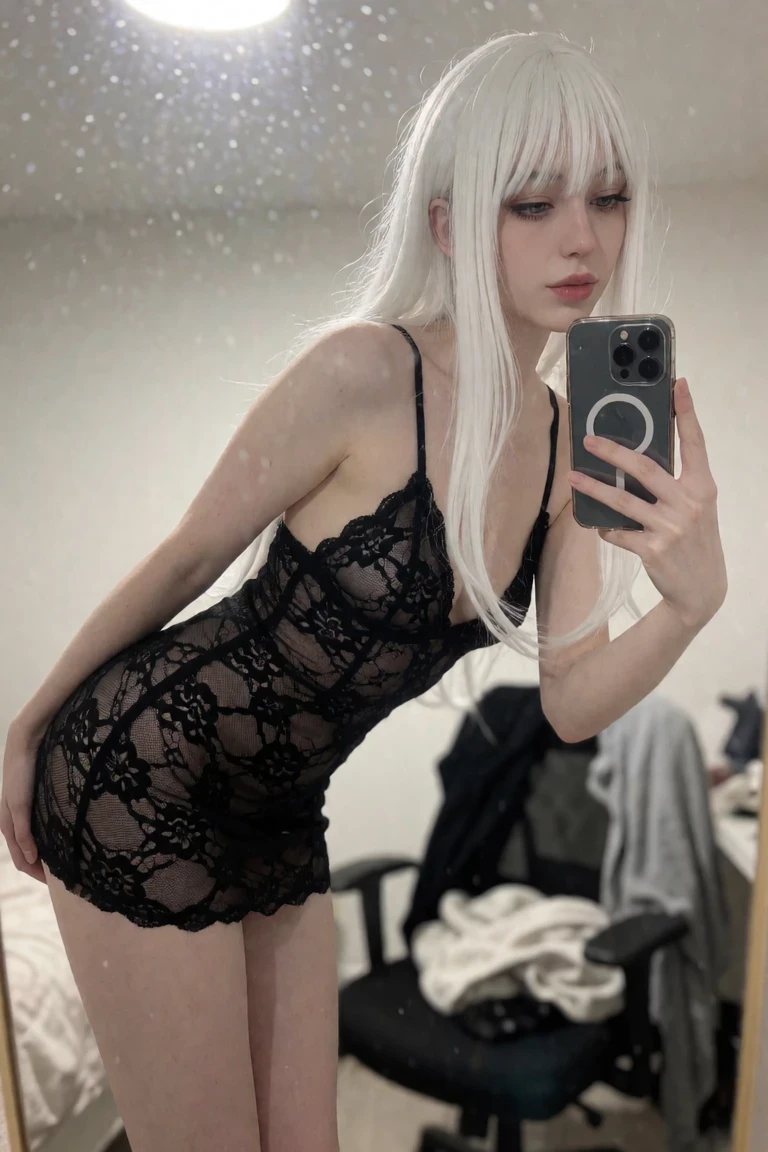 BeforeAfter
Just describe the change
No masking required. Tell Dreamerland what you want — "make it night", "add a jacket", "turn this into a 3D figure", "change the background to a beach" — and it edits the whole image while keeping your subject consistent.
Powered by instruction-following models
Image Edit runs on models built to follow instructions, like GPT Image 2 and Nano Banana Pro. That makes it ideal for quick restyles, product mockups, outfit swaps, and creative edits that land on the first try.
A complete editing suite
Image Edit works alongside Inpaint for precise regions and Face Swap for identities, giving you a full editing toolkit on your phone. Free to start, with 4K upscaling to finish at high resolution.
Made with Image Edit
BeforeAfter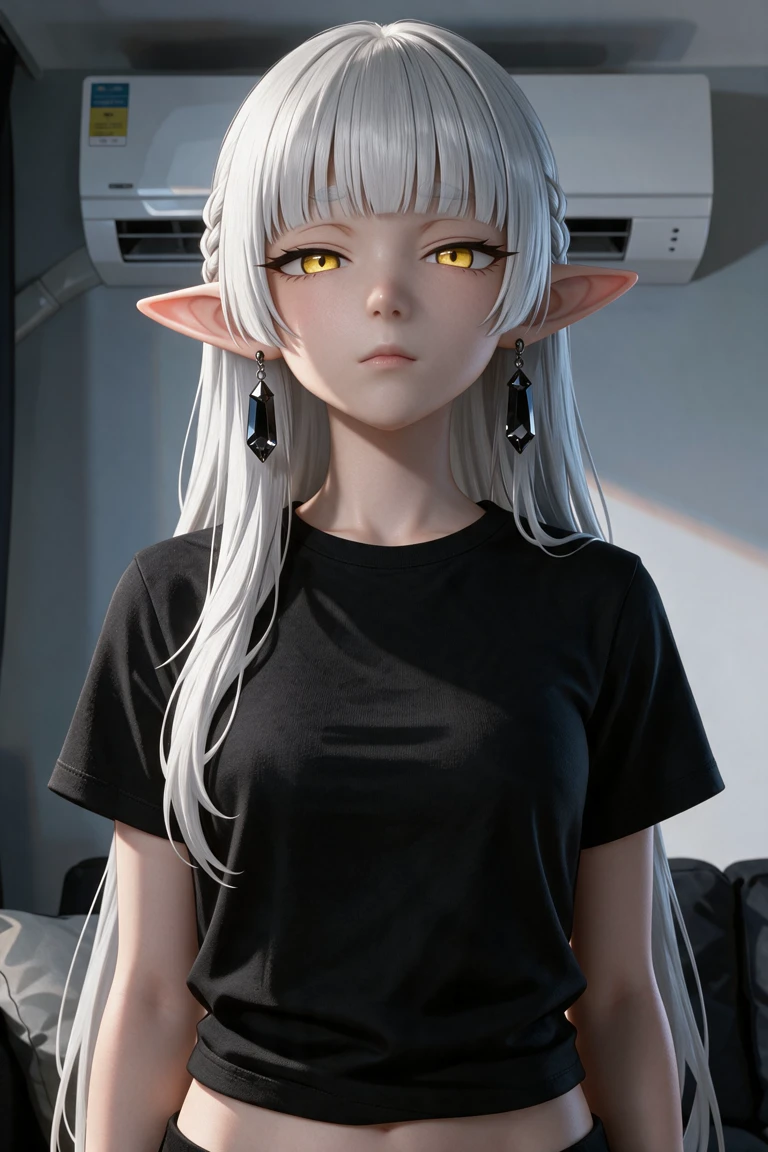
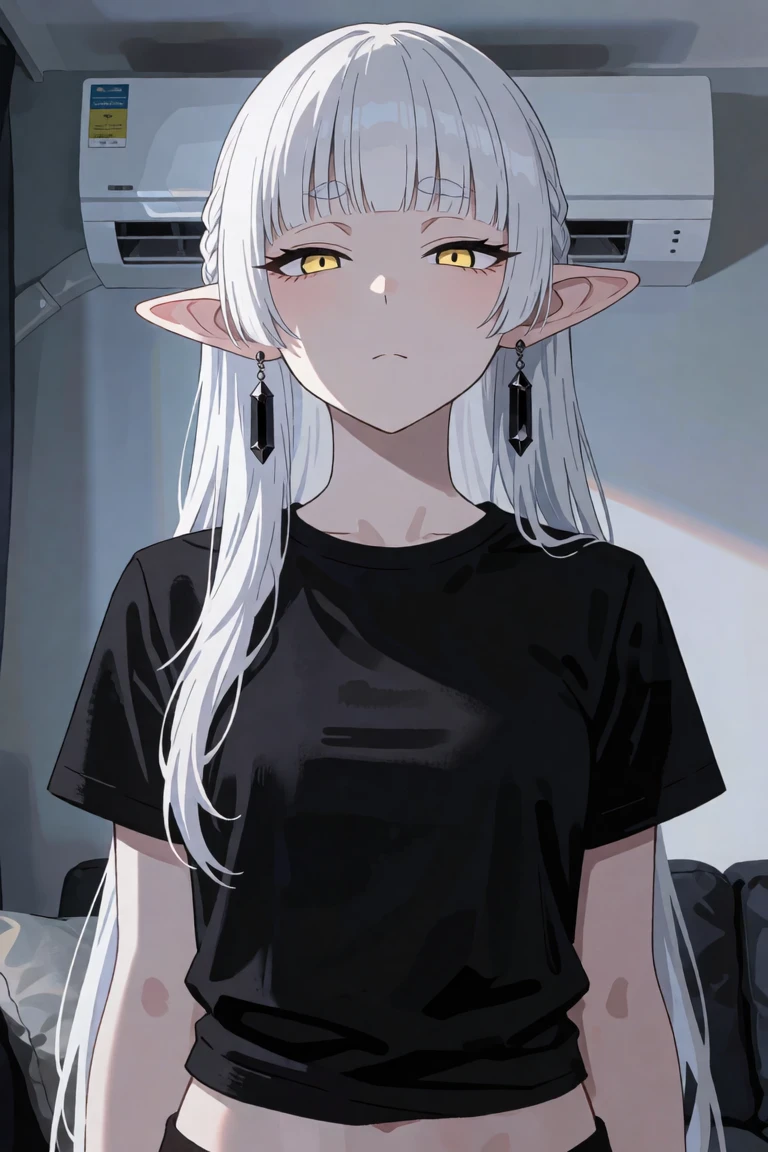 BeforeAfter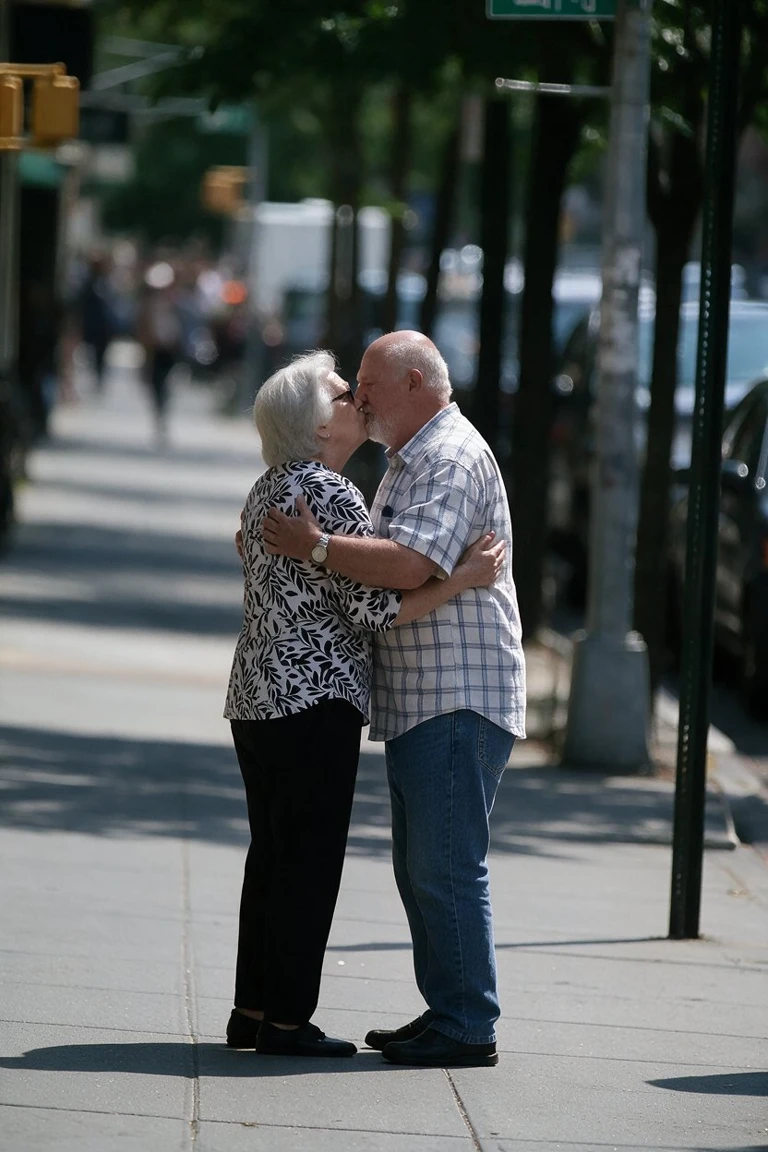
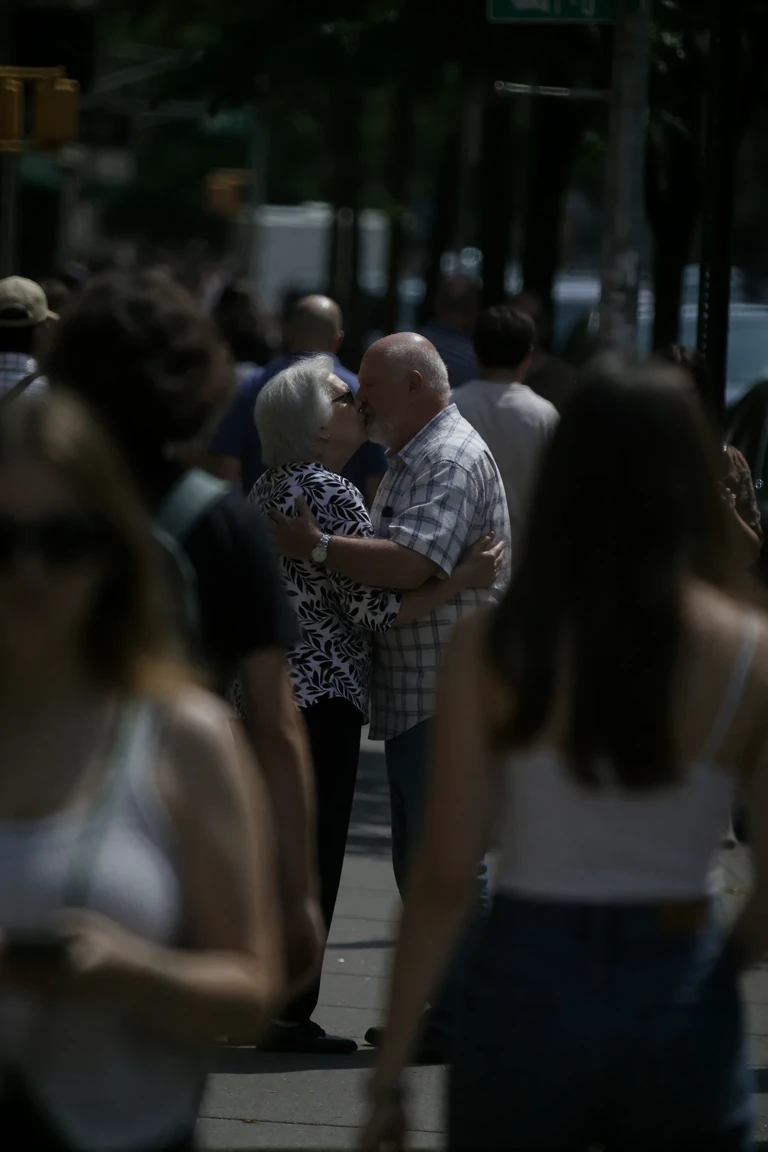 BeforeAfter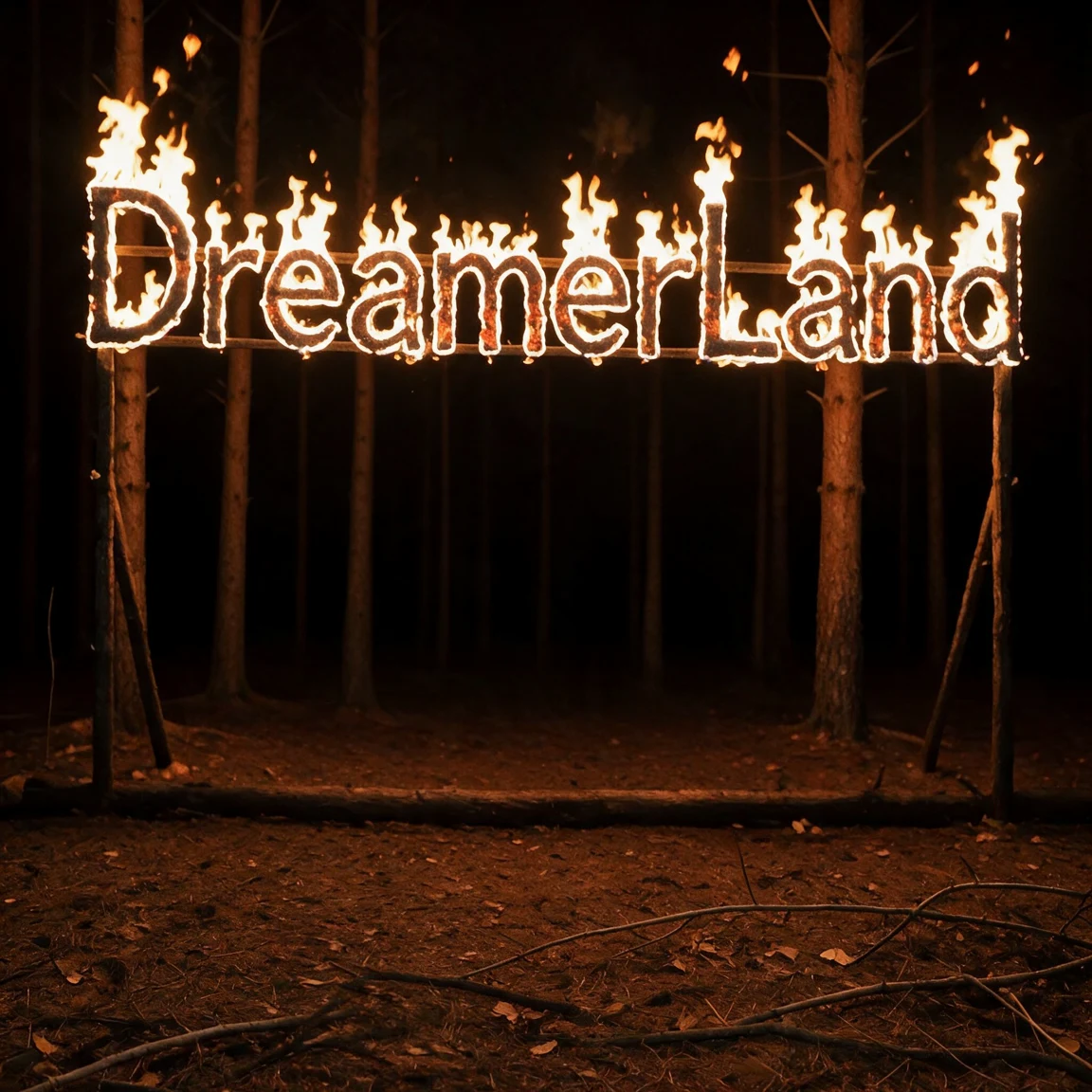
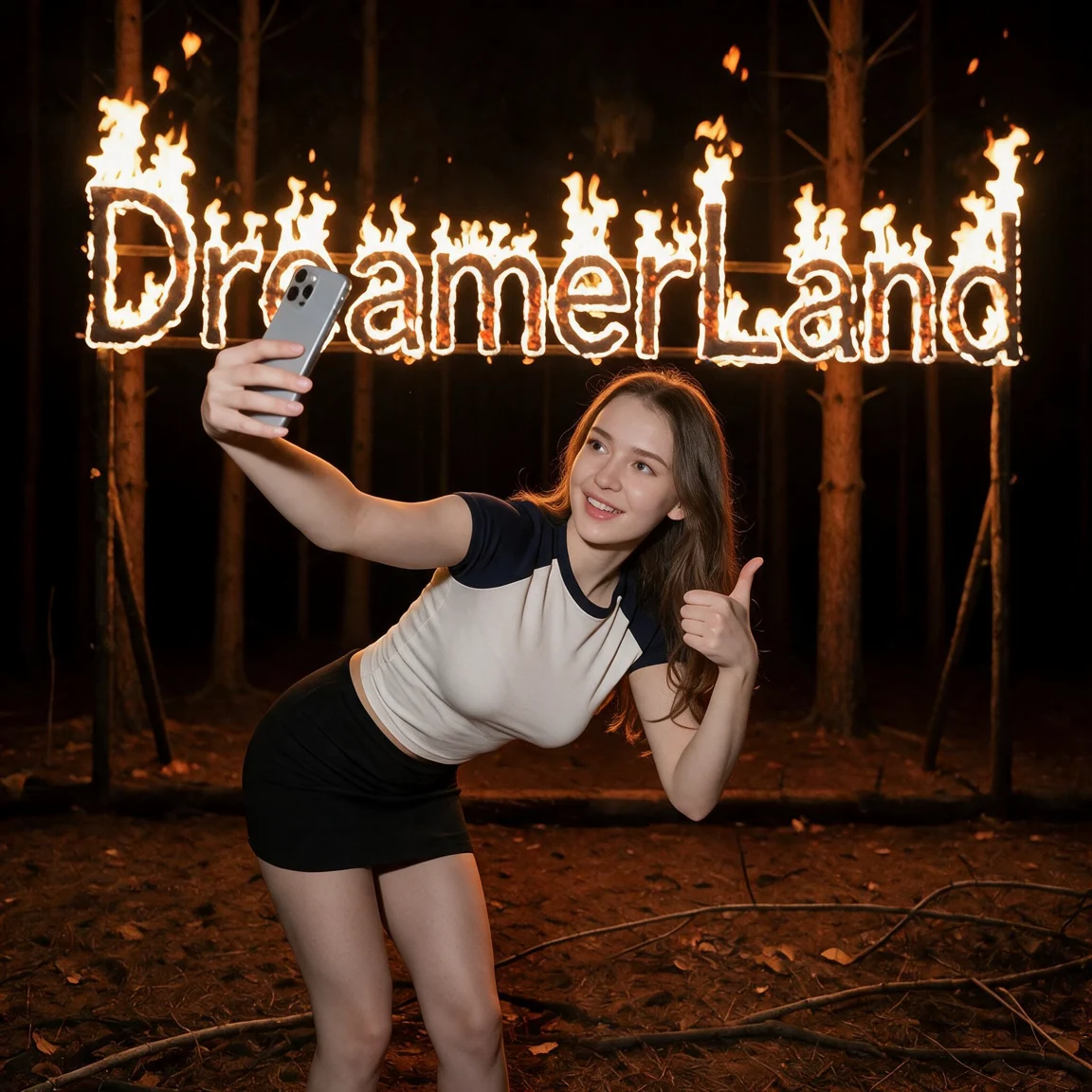 BeforeAfter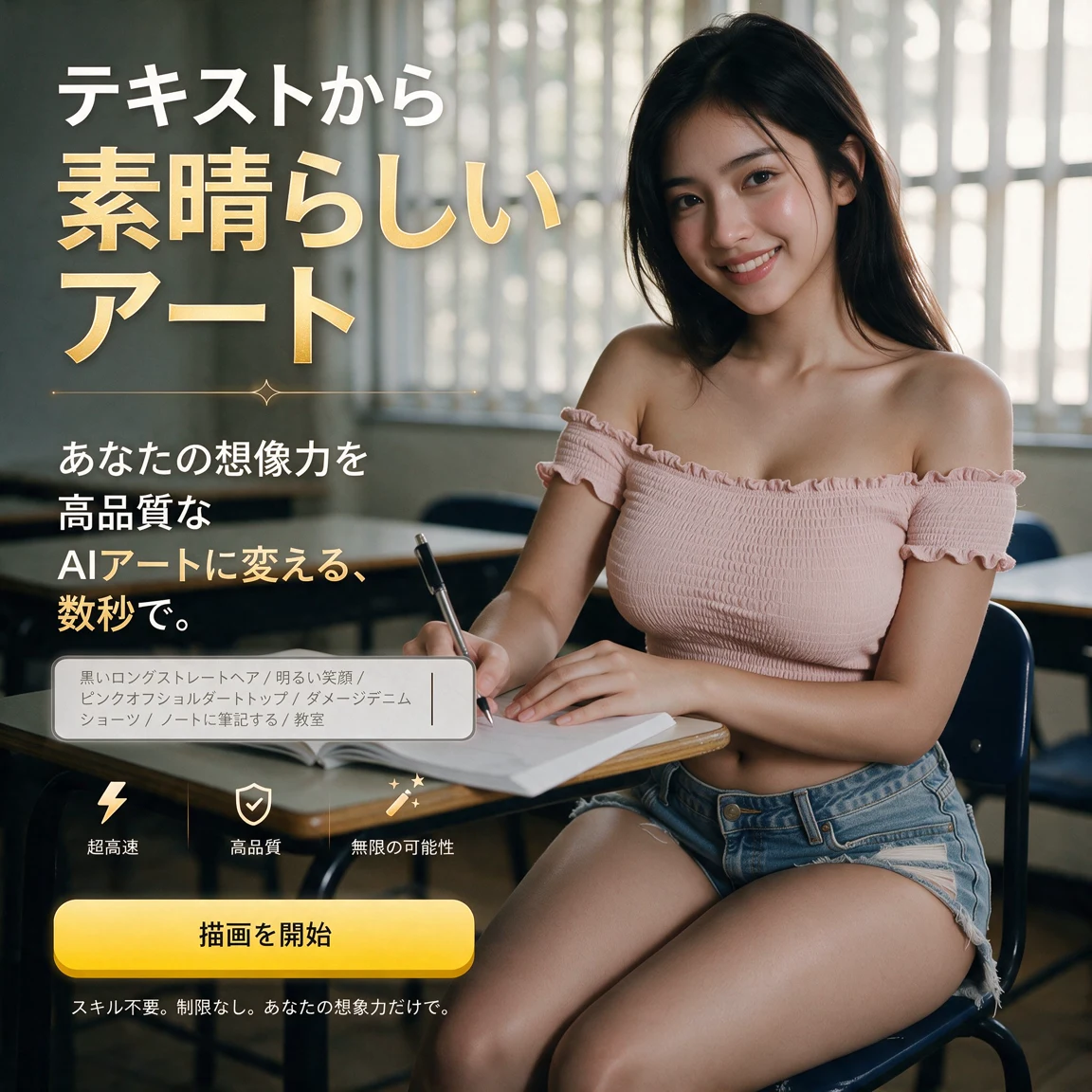
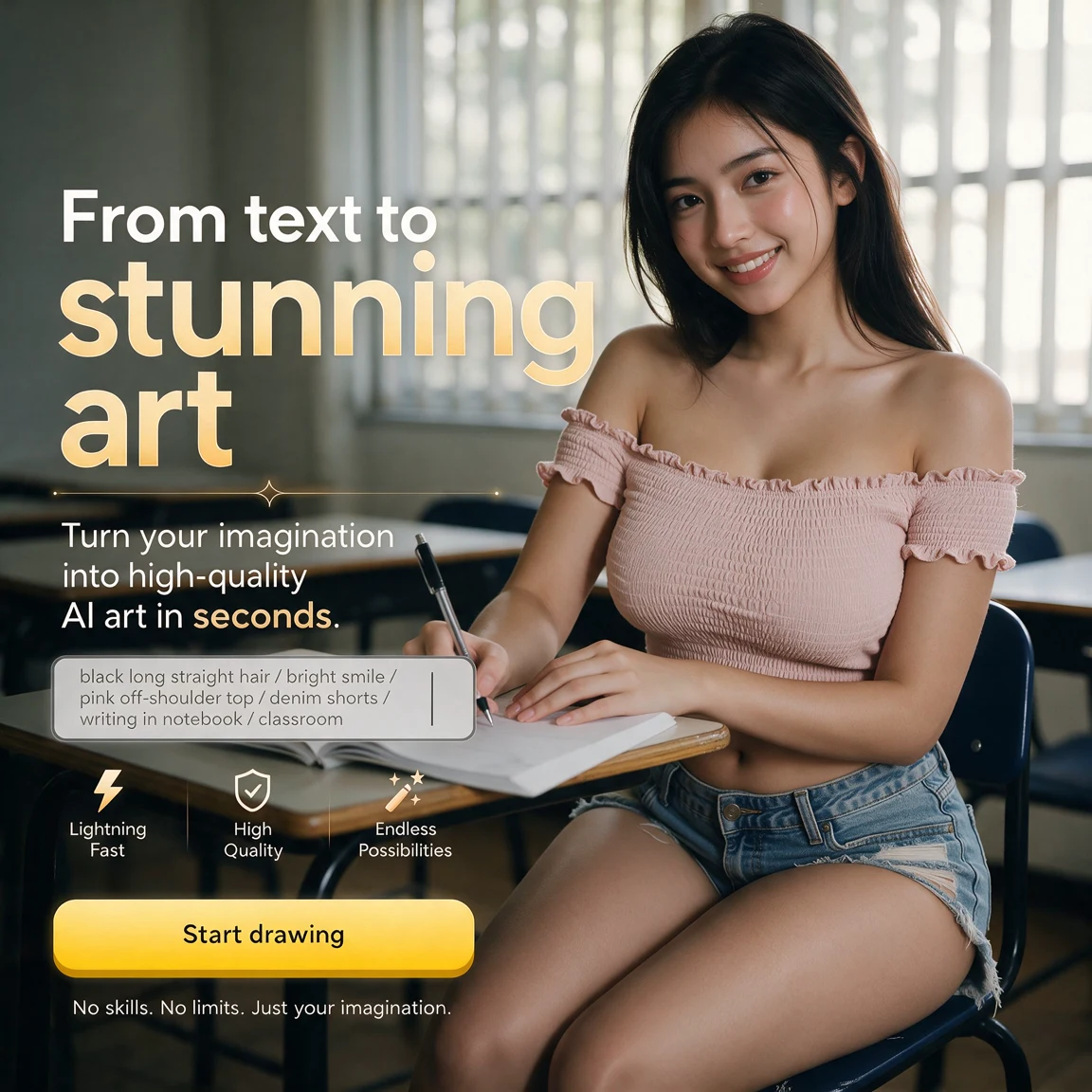 BeforeAfter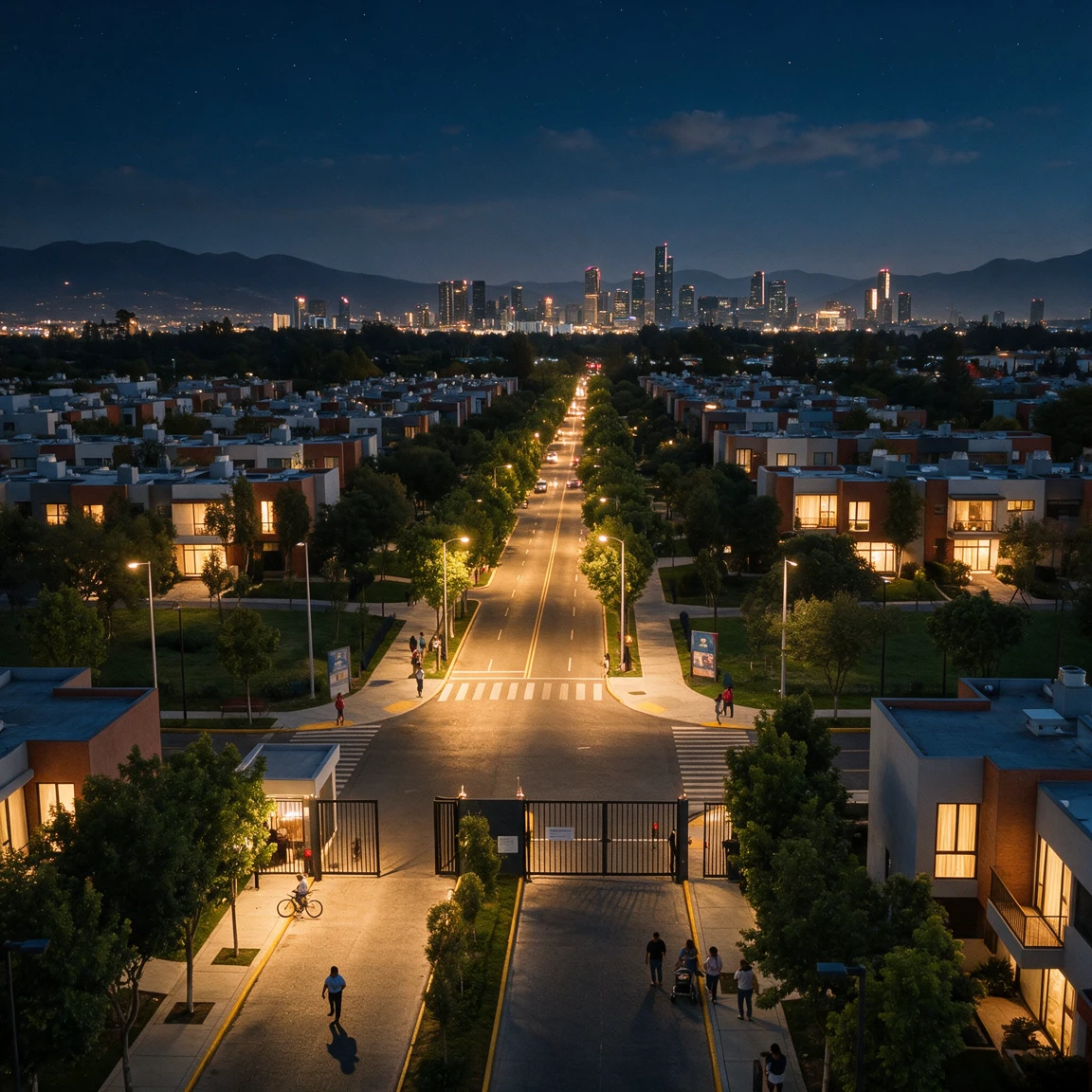
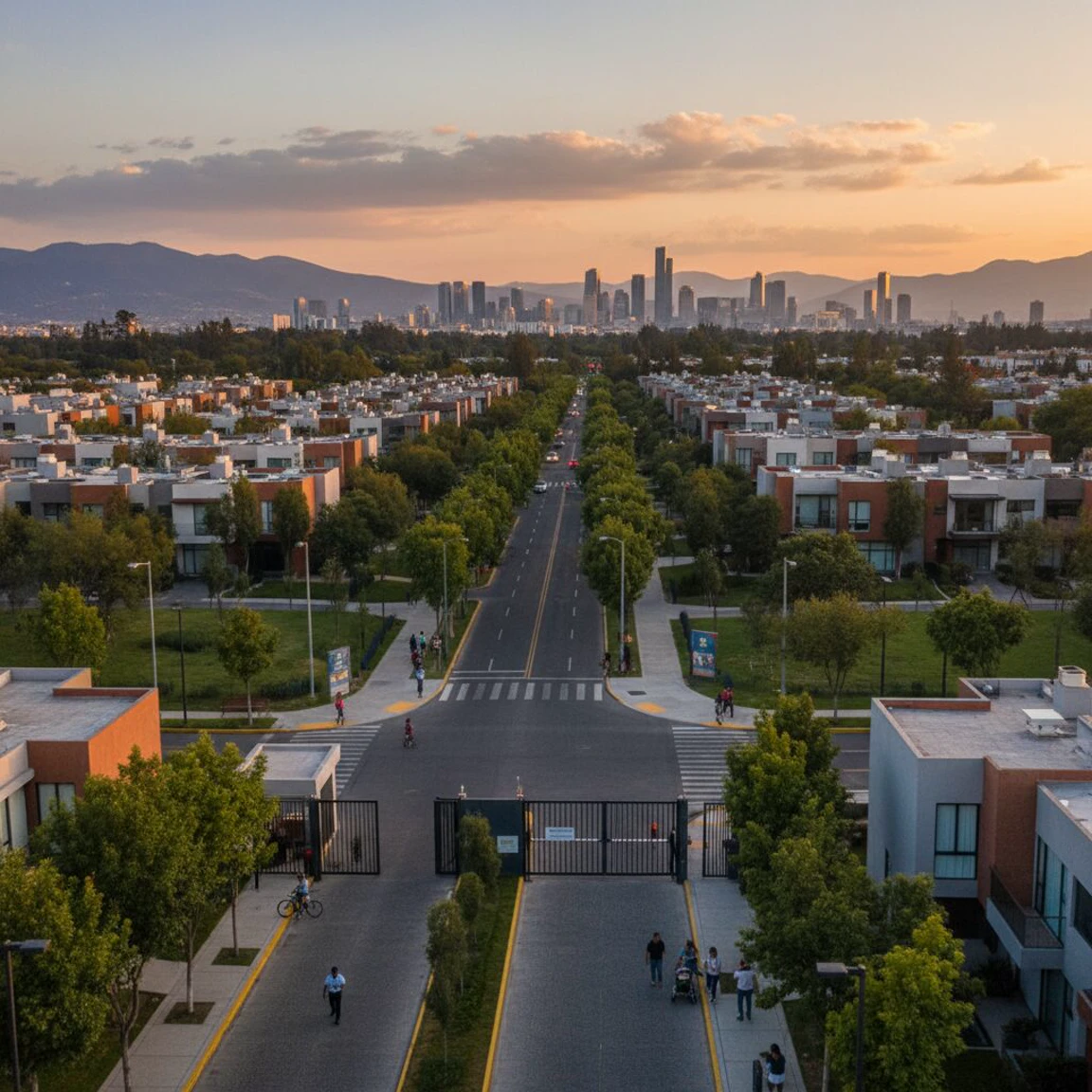 BeforeAfter
FAQ
How do I edit an image with AI in Dreamerland?
Use Image Edit: upload a photo and type an instruction like "change the background to a beach". Dreamerland edits it while keeping the subject consistent.